Using Playbooks
Documented, Needs verification. The attachment UI (blue pill, inline editor) and gallery routes are still being verified against platform.opulentia.ai; confirm the flow in-app.
How to use Playbooks
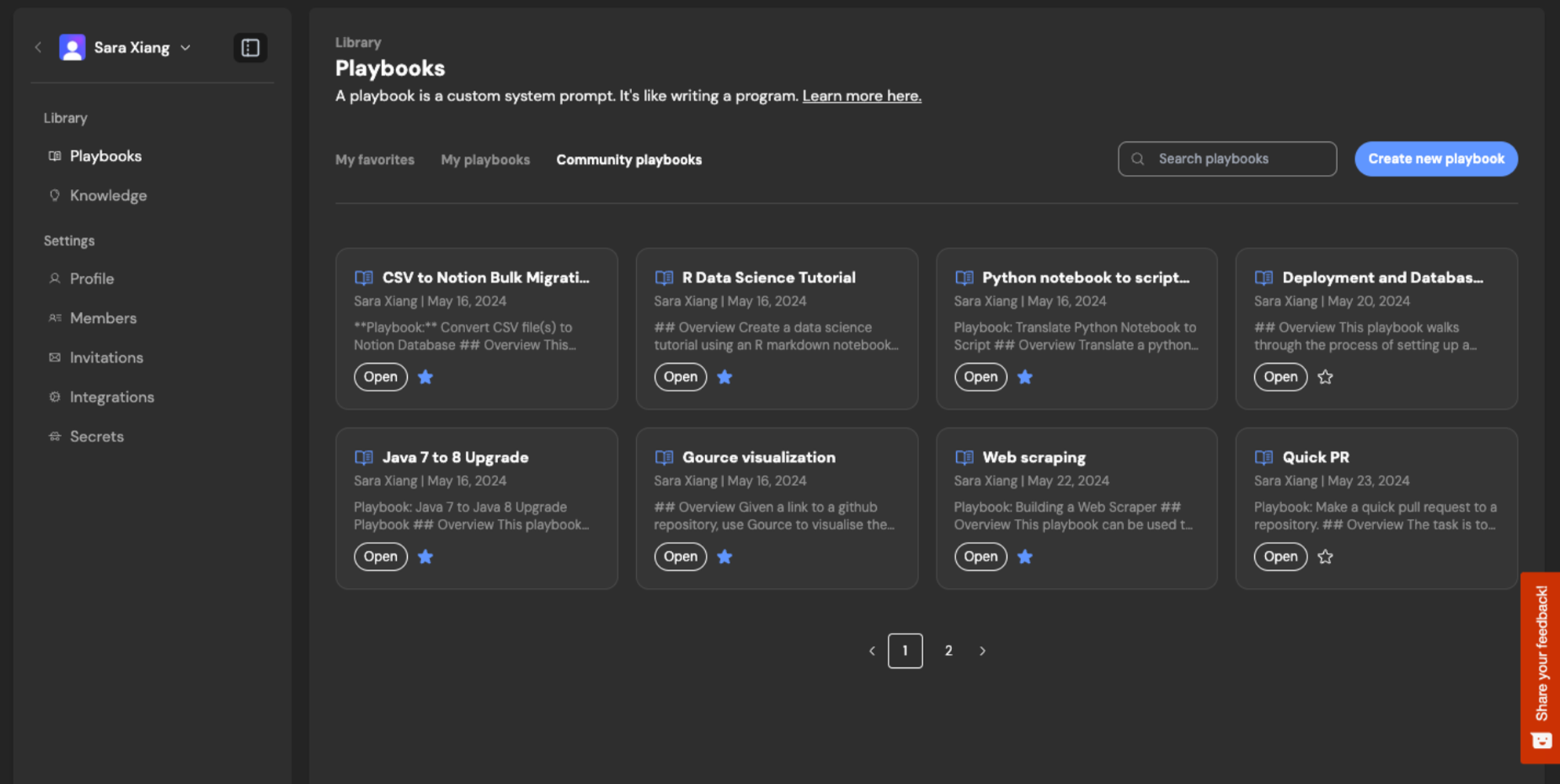
To use playbooks, simply select one from your Team or the Community library. You've successfully attached a playbook if you see a blue pill appear, along with an inline component for editing the playbook before starting your session.
Alternatively, you can attach a <filename>.opulent.md file when you start your Opulent session.
Using macros
If a playbook has a macro assigned (e.g., !data-tutorial), you can quickly attach it by typing the macro name in the prompt input box. This is a handy shortcut when you know the macro identifier for the playbook.
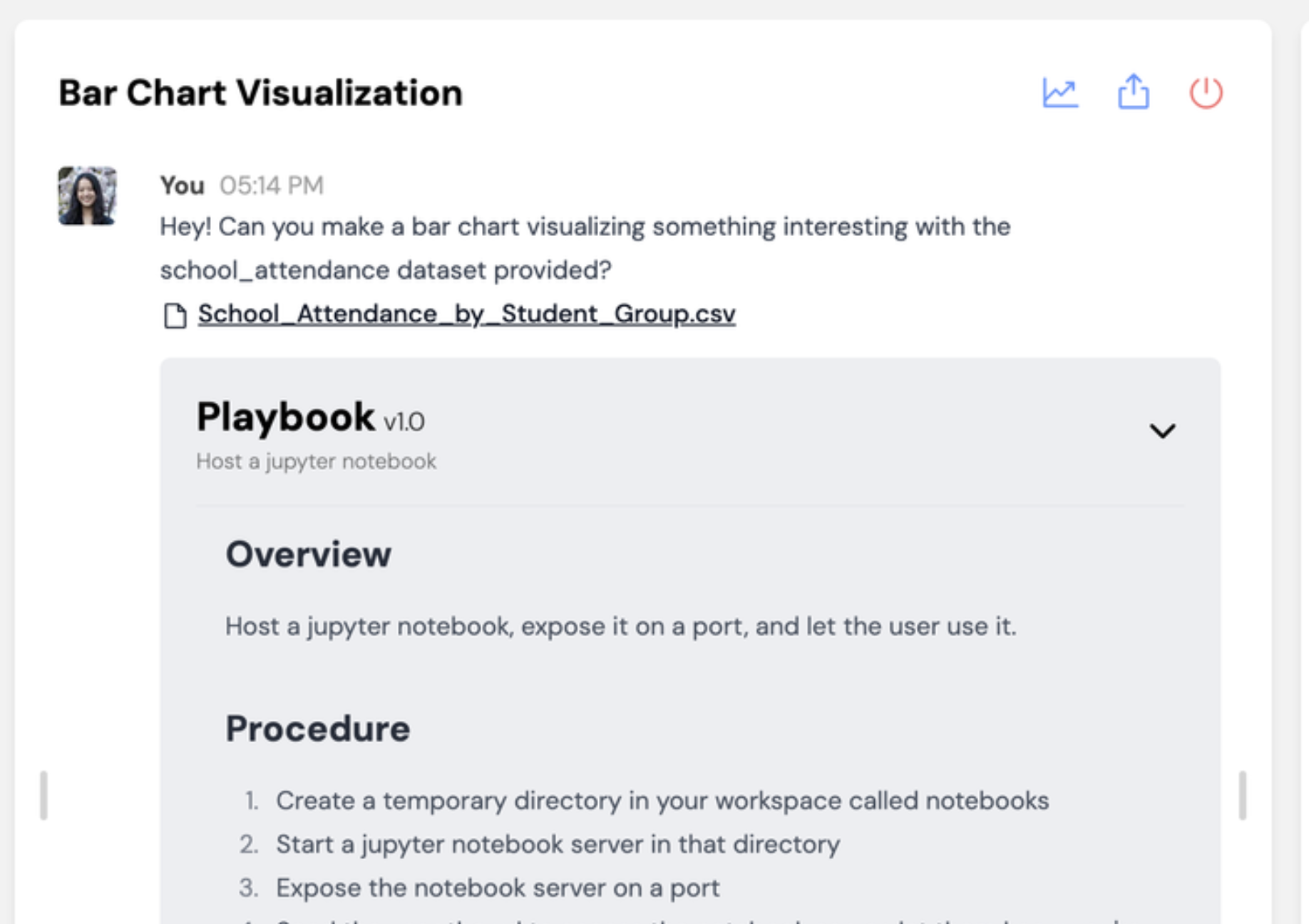
Once you start the session, your playbook appears with a grey background in the chat with Opulent.
Refining Playbooks
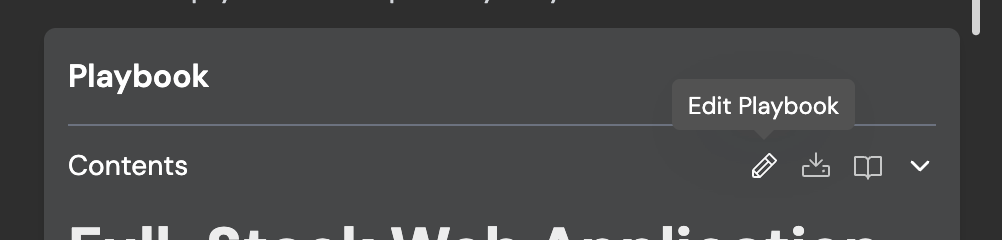
As you run a playbook, you'll spot ways to improve the instructions so Opulent completes the task more reliably. Some features help you iterate on playbooks live:
Example Gallery
Check out the Community Gallery at https://platform.opulentia.ai/settings/playbooks: