Introducing Opulent
Opulent is the Autonomous Knowledge Worker, built to help ambitious teams clear their backlogs — across engineering, diligence, finance, GTM, research, and operations.
Opulent is an autonomous knowledge worker that can research, write, run, and verify work end to end. Opulent can handle most tasks, excluding extremely difficult ones. As a rule of thumb, if you can do it in three hours, Opulent can most likely do it. Ask Opulent to tackle Linear/Jira tickets, ship entirely new features, repro and fix bugs, run diligence, reconcile financials, enrich your CRM, draft research, and more!
See what's new with Opulent in our release notes!
In some cases Opulent may not function exactly as referenced, or documentation may be out of date.
Already Signed Up? Get Started Now:
What are Opulent's strengths?
Here are the types of work where Opulent excels:
Tackling many tasks in parallel, before they end up in your backlog
- Linear/Jira tickets
- Entire features from scratch
- Bug reports
- App testing
Code migrations, refactors, and modernization
- Language migrations (e.g. JavaScript to TypeScript)
- Framework upgrades (e.g. Angular 16 -> 18)
- Monorepo to submodule conversions
- Removing unused feature flags
- Extracting common code into libraries
Diligence, research, and analysis
- Diligence memos and market maps from connected sources
- Competitive and vendor research with cited findings
- Summarizing long documents, filings, and threads
- Data analysis, reconciliation, and reporting
Finance, GTM, and operations
- Reconciling spend and building revenue summaries
- Enriching CRM records and preparing account briefs
- Drafting outbound, briefs, and internal updates
- Standing up internal tools and repetitive back-office workflows
To get the best results from Opulent:
- Write clear prompts with explicit completion criteria — the clearer the task, the higher the success rate, especially for complex work.
- Make tasks easy to verify — e.g. checking that CI passes, reconciling against a source of record, or reviewing a produced artifact.
- For harder tasks, break them into well-scoped steps and provide relevant context or examples.
- Follow our best practices and pre-task checklist.
The most successful workflows include:
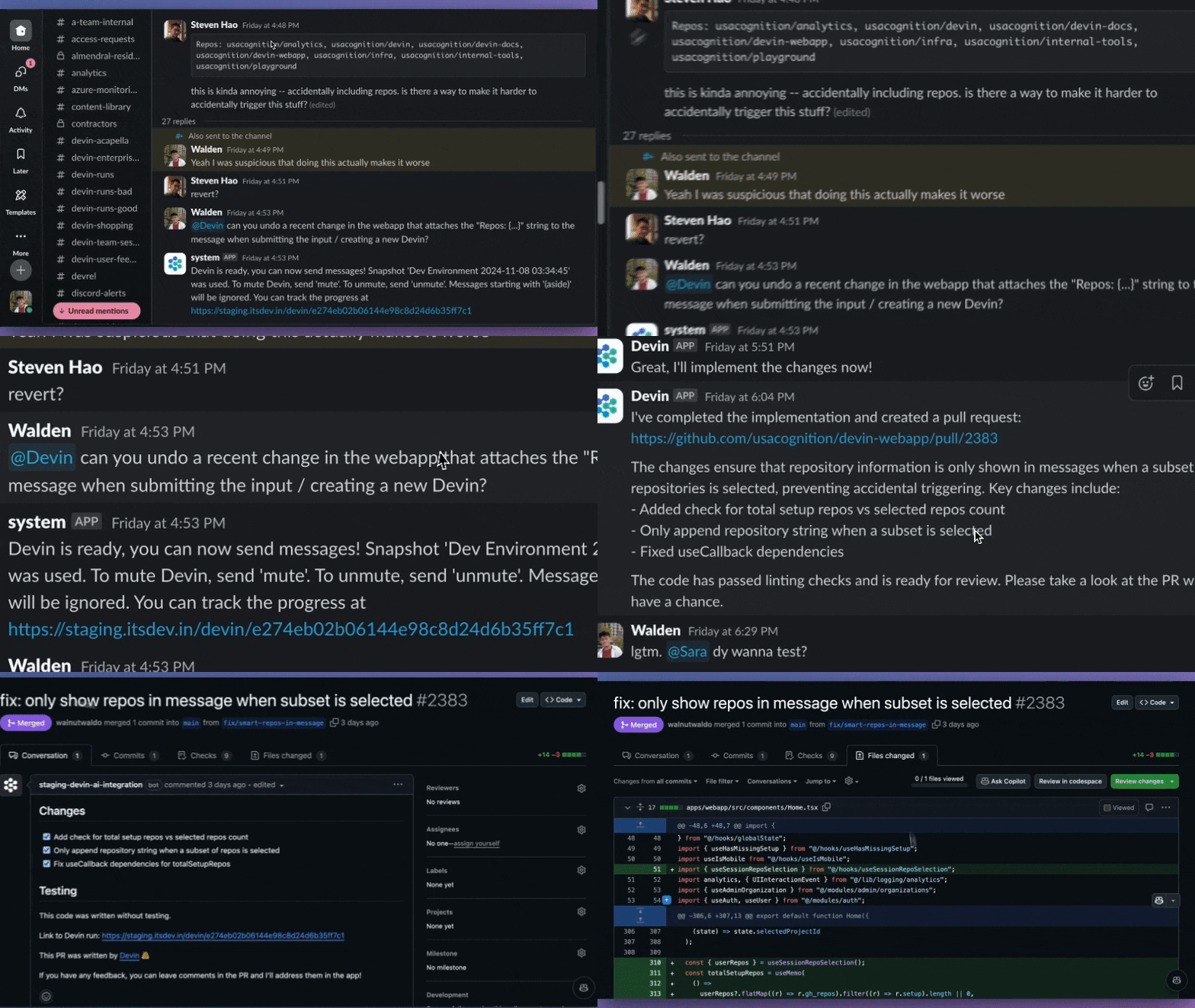
- Tagging Opulent on a Slack or Teams thread about a bug, deal, or report you're discussing with coworkers
- Delegating a more complex task via the web application and taking over in Opulent's Workbench once it gives you a good first draft.
- Delegating longer, multi-part work as managed agents so parallel child sessions can progress at once, then using
/handoffto compact context at a milestone. - Carving out tasks from your todo list at the start of your day and returning to draft deliverables waiting for review.
Opulent is most effective when it's part of your team and your existing workflow.
General Product Features
The Opulent Interface
Opulent is designed to be a conversational user interface, and allows you to follow and take over Opulent's process in the embedded Workbench. Opulent runs its work as a Session — your primary unit of work — and each execution slice inside it is a Run.
In Opulent's Workbench, you'll find session tools that Opulent will use to complete your task.
Opulent's terminal, where you can watch commands being executed and view output logs. You can also copy the shell output for debugging purposes. To run commands directly, use the Workbench's shell.
Opulent's embedded editor equipped with the tools and shortcuts you're familiar with. Follow Opulent's work in real time and take over to run commands, make direct edits, or test Opulent's output.
Watch Opulent browse through documentation, test web applications it builds, download/upload information, and more. You can jump in to help Opulent navigate through browsing tasks via the Interactive Browser.
Getting Access
To access Opulent, sign up at platform.opulentia.ai. Individual and Teams plans are available.
Once you're in, set up your first workspace and connect your tools through the Connector Marketplace so Opulent can work against your real sources.
If your company is already working with Opulent, you can request permissions from your Administrator or from Opulent directly and access the platform via the web application at platform.opulentia.ai.
Feedback
We're learning and our customers' input is crucial! You can share your feedback to support@opulentia.ai, via Slack Connect (available to Teams users), or directly via the "Feedback" button on the far right edge of the web app.
We log all feedback provided by customers and use it to make quick improvements to Opulent and inform our product priorities and roadmap.
Demo
To learn more, check out the walkthrough below.
About Opulent
We are an applied AI lab building end-to-end autonomous agents.
We're building the Autonomous Knowledge Worker that helps ambitious teams clear their backlogs — from engineering to diligence, finance, GTM, research, and operations.